





Frequently asked questions
Implementation can move at the pace that works best for your team. Some organizations prefer to move quickly, while others take more time to review program details, finalize rewards, and prepare employee communications.
Most companies launch within 1–3 weeks, depending on program complexity, internal review timelines, and any data or payroll setup needed.
IncentFit implementation is organized into five phases to keep setup clear and manageable from start to launch.
- Phase 1: Kickoff and planning
- Phase 2: Program design and configuration
- Phase 3: Data, eligibility, and reward setup
- Phase 4: Testing, review, and admin training
- Phase 5: Employee launch and ongoing support
Teams can choose between a guided implementation with support from the IncentFit team or a more self-directed setup process, depending on how hands-on they want the experience to be.
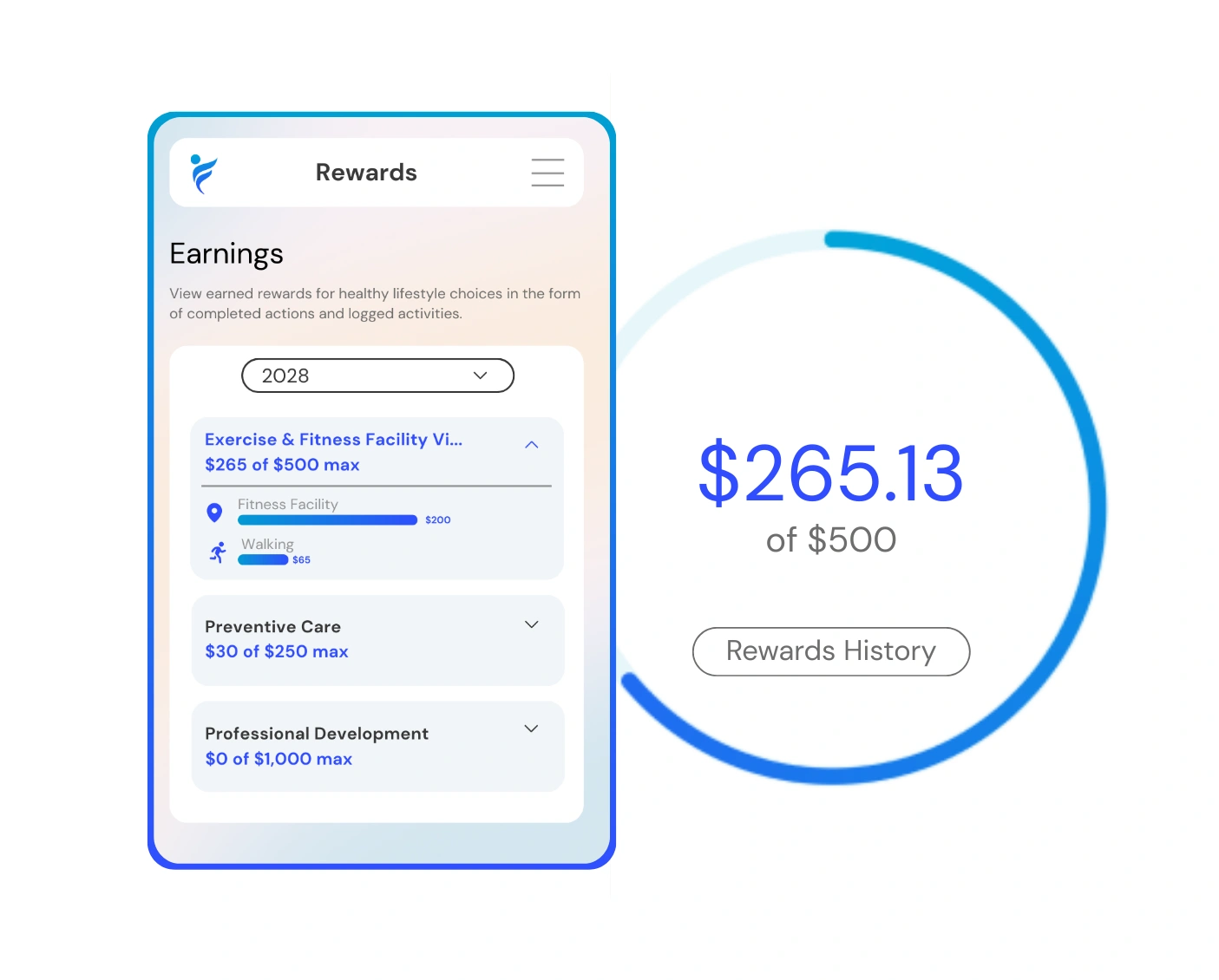
IncentFit supports a wide range of reward fulfillment options, so employers can choose the approach that fits their benefits strategy, budget, and employee population.
- Health insurance premium offsets
- Payroll rewards
- Direct deposit
- Digital gift cards
- Merchandise mall rewards
- Charitable donations
- HSA/FSA contributions, when supported by the employer’s setup
For Essentials programs, health insurance premium offsets are one of the most common reward structures we see. Payroll rewards and merchandise mall rewards are also used often because they are easy for employees to understand and simple for employers to manage.
Employees can track activities in the way that works best for them, including connected devices, the IncentFit mobile app, the web portal, or document submissions when proof of completion is needed.
- Wearable and app integrations, including Fitbit, Apple Watch, Garmin, and dozens more
- Manual activity logging through the mobile app or web portal
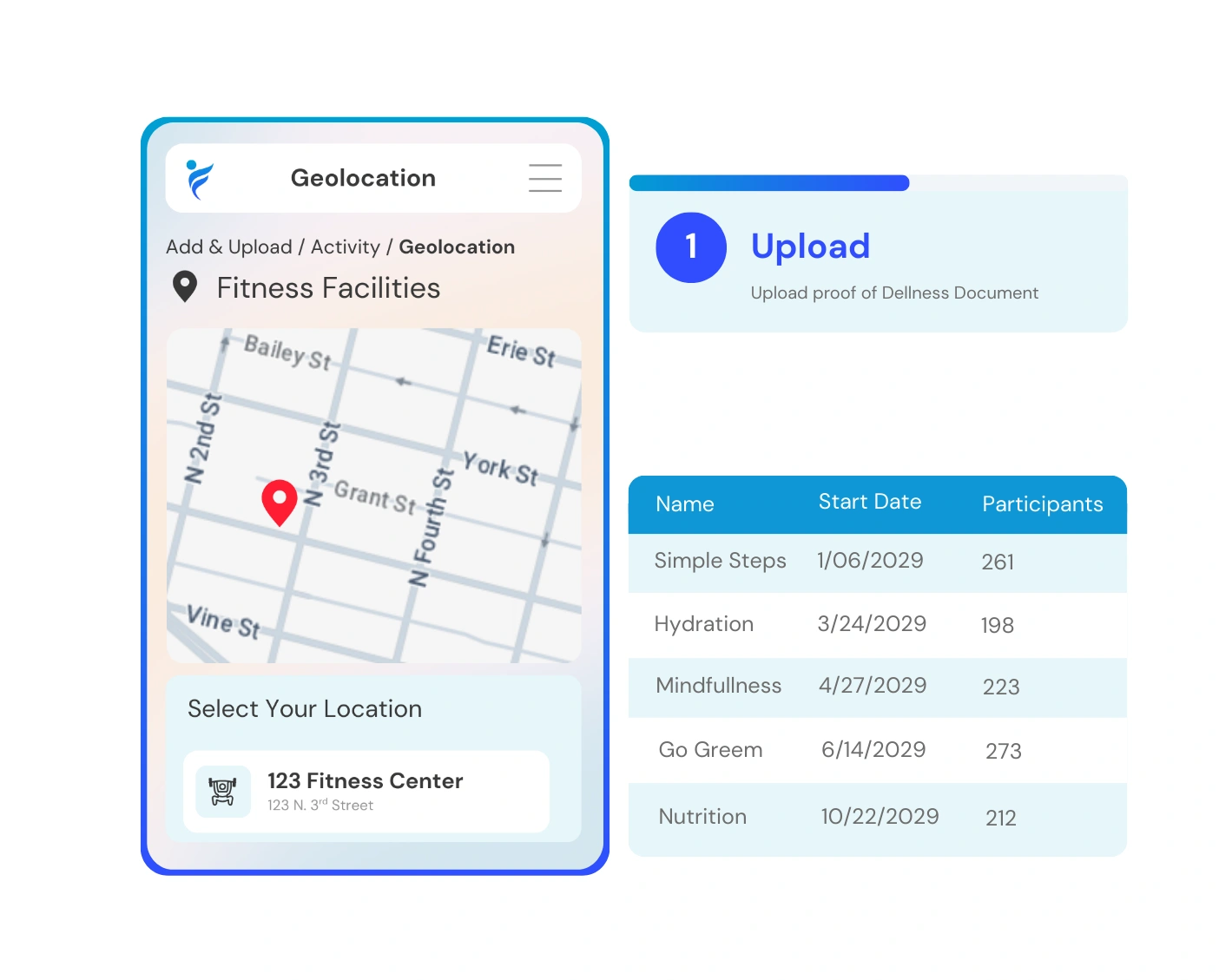
- Document submissions for activities that require proof, such as preventive care visits or screenings
- Automatic verification to help keep activity data accurate
For HR teams, this means less manual tracking, fewer spreadsheets, and a more reliable way to manage participation.
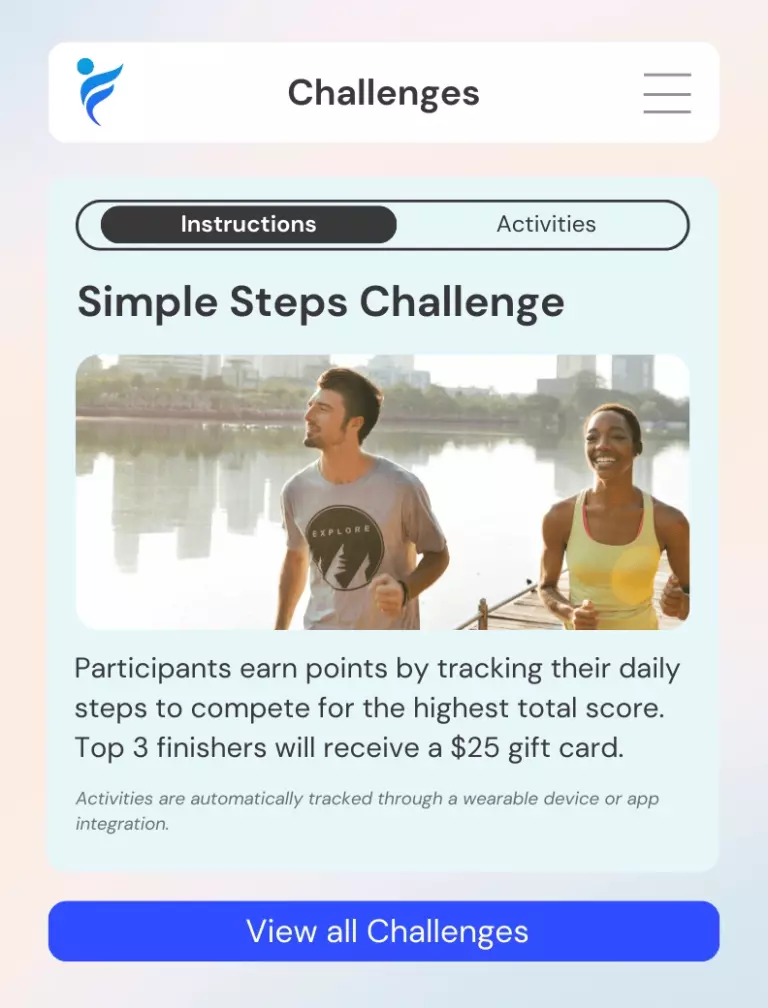
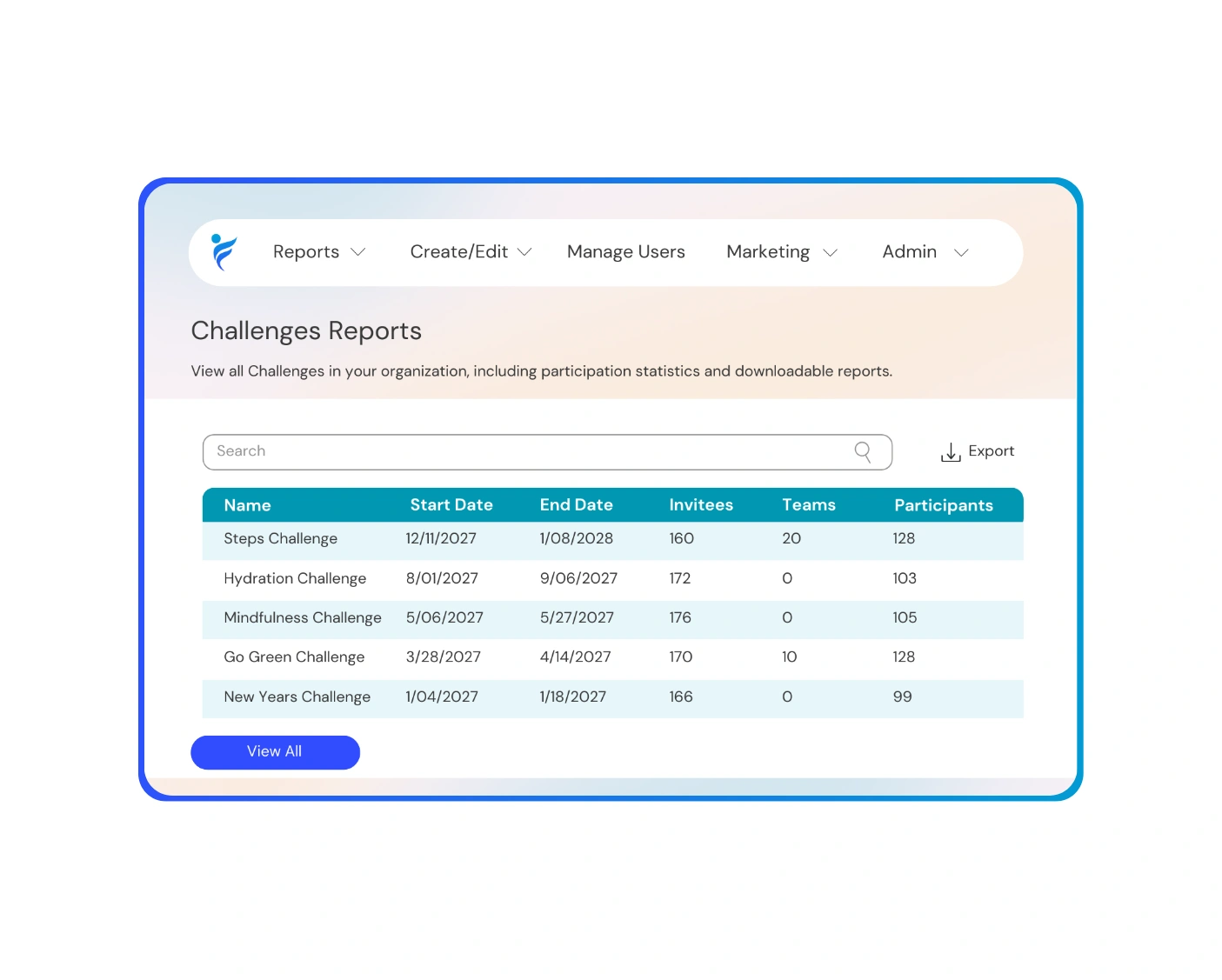
Essentials includes access to wellness challenges that help employees stay engaged through simple, goal-based activities.
- Steps and walking challenges
- Hydration challenges
- Mindfulness and mental wellness challenges
- Team-based competitions
- Seasonal or themed wellness campaigns
Admins can choose the challenge structure, timing, rules, and rewards, while employees track their progress through connected devices, the app, or the web portal.
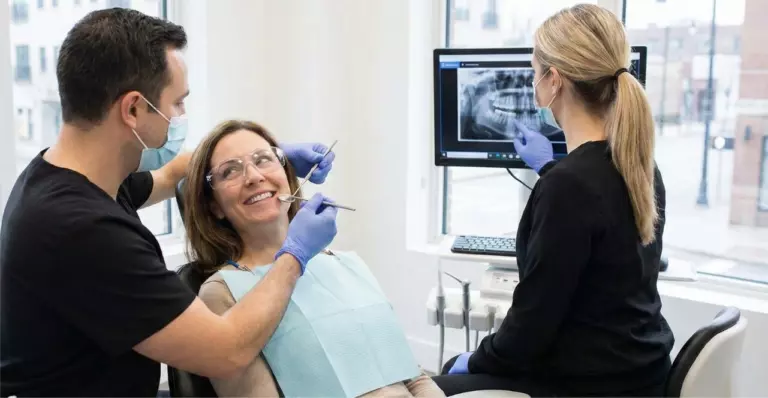
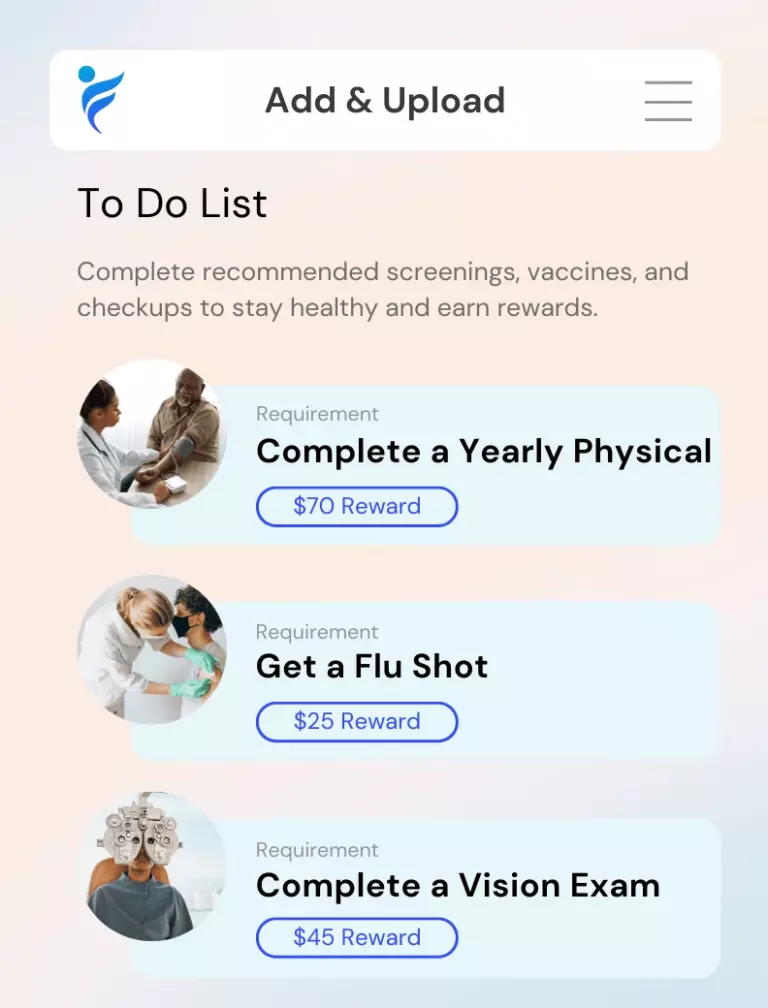
Essentials can be used to encourage employees to complete important preventive care activities, including:
- Annual physicals and well visits
- Biometric screenings
- Dental and vision exams
- Vaccinations, including flu shots
- Cancer screenings
- Mental and behavioral health screenings
Activities can be verified through document submissions when needed, and aggregate reporting helps employers understand completion trends across their population.
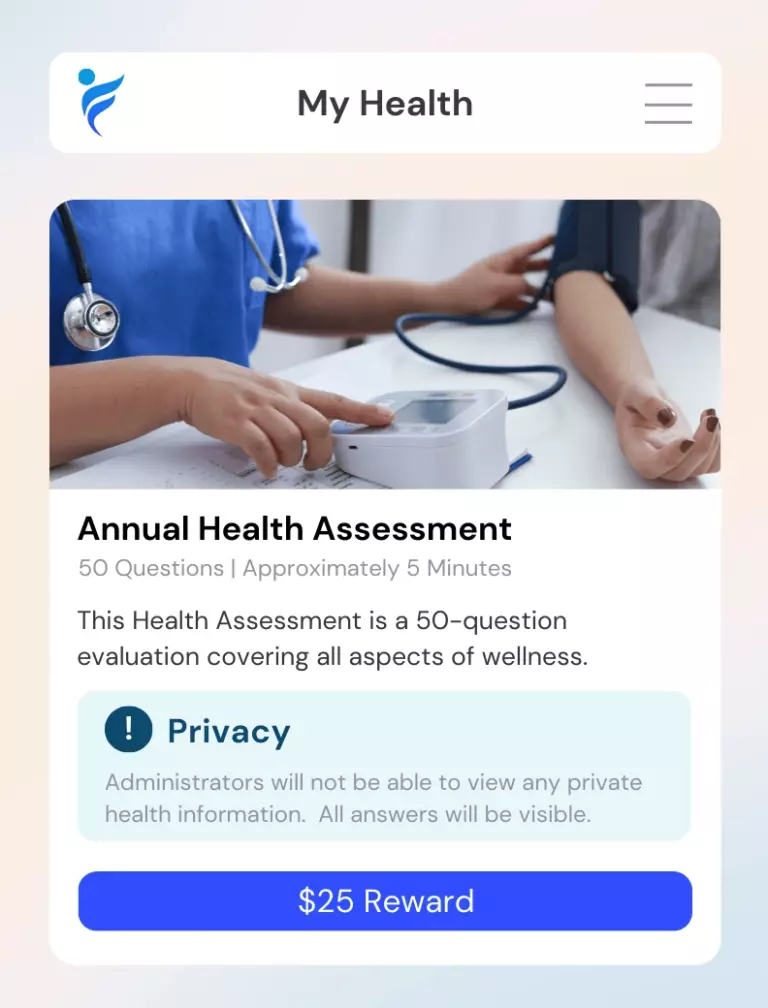
The Essentials Health Assessment gives employees personal insight into their well-being while helping employers understand population-level health trends.
- For employees: A digital survey covering physical, mental, and lifestyle health. Individual results are private and only accessible to the employee.
- For employers: Aggregate-level reporting that helps identify trends, measure progress, and plan future wellness initiatives.
Employers never see individual employee responses.
Essentials is designed to minimize day-to-day management for HR. Once the program is configured, there is very little for admins to manage on an ongoing basis.
- Reward fulfillment can be automated
- Activity tracking and verification happen in the background
- Dashboards make it easy to monitor participation and incentive spend
- Reports help teams share progress with leadership
Instead of spending time on spreadsheets, manual tracking, or one-off employee follow-up, HR can rely on IncentFit to handle the day-to-day program management.
Essentials includes reporting tools that help admins track program performance and understand engagement over time.
- Participation by activity type
- Preventive care completion trends
- Reward and incentive spend
- Health assessment trends, when applicable
- Exportable reports for internal review
These reports help HR teams monitor progress, manage budgets, and communicate program impact to leadership.
Yes. IncentFit uses privacy and security safeguards to help protect employee health information.
- Health data is protected in transit and at rest
- Employers only see aggregate population-level reporting
- Individual employee results are not shared with employers
- Access controls help limit who can view admin data
Employees keep control of their personal health information, while employers get the high-level insights they need to manage the program responsibly.
Essentials works well for organizations that are just starting to build a wellness program, as well as companies that already have a wellness strategy in place but want something simpler and more effective to manage.
- Companies starting out use Essentials to launch a structured incentive-based wellness program without adding heavy administrative work.
- Companies with an existing strategy use Essentials to simplify program management, increase participation, and offer a more consistent employee experience.
It gives teams a flexible foundation they can use whether they are launching their first program or improving one they already have.
Yes. Essentials can start as a focused wellness program and evolve as your organization’s needs, goals, and benefits strategy change.
- Engage for additional lifestyle benefits and incentive options
- Empower for a more personalized wellness experience
- Standalone modules like fitness rewards, challenges, preventive care, or other wellness solutions
This makes it easy to start with a simple program and expand your wellness strategy over time without switching platforms.